Contents
- The agent's core capabilities:
- Areas of responsibility
- Main functional components
- Main workflow
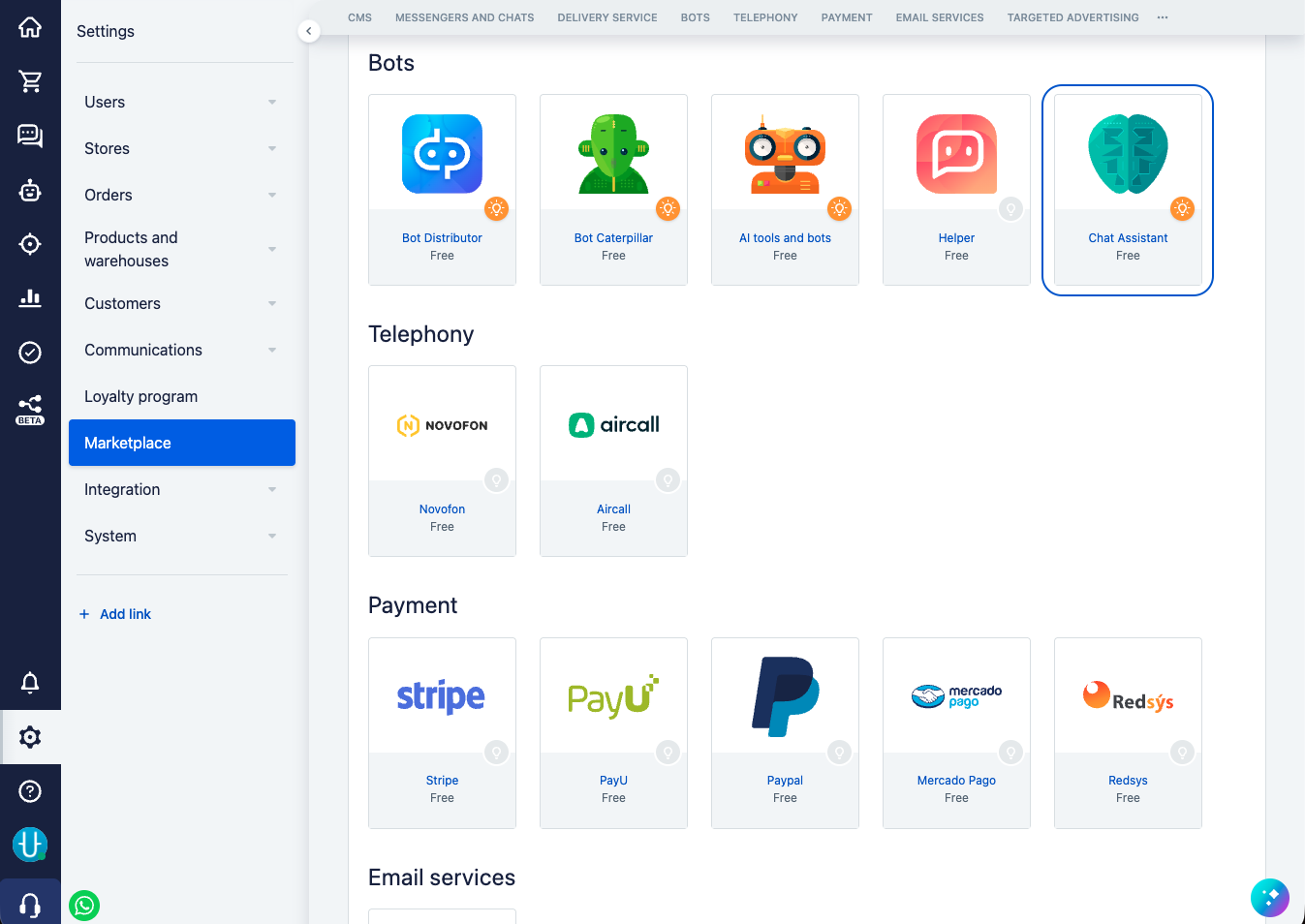
- The Chat Assistant bot module
Chat Assistant is a platform for developing and running AI agents in Simla chats. The service receives events from chats with clients, selects the active version of the agent, runs it according to the configured scenario, sends requests to the model with a dynamic schema of available steps, processes the response, and performs various actions in the system.
In the service you can configure both an autonomous agent for handling enquiries in chats and AI automation of specific routine tasks: distributing dialogs by the context of the enquiry, analysing and saving information from the conversation, and helping the manager while they work with the client.
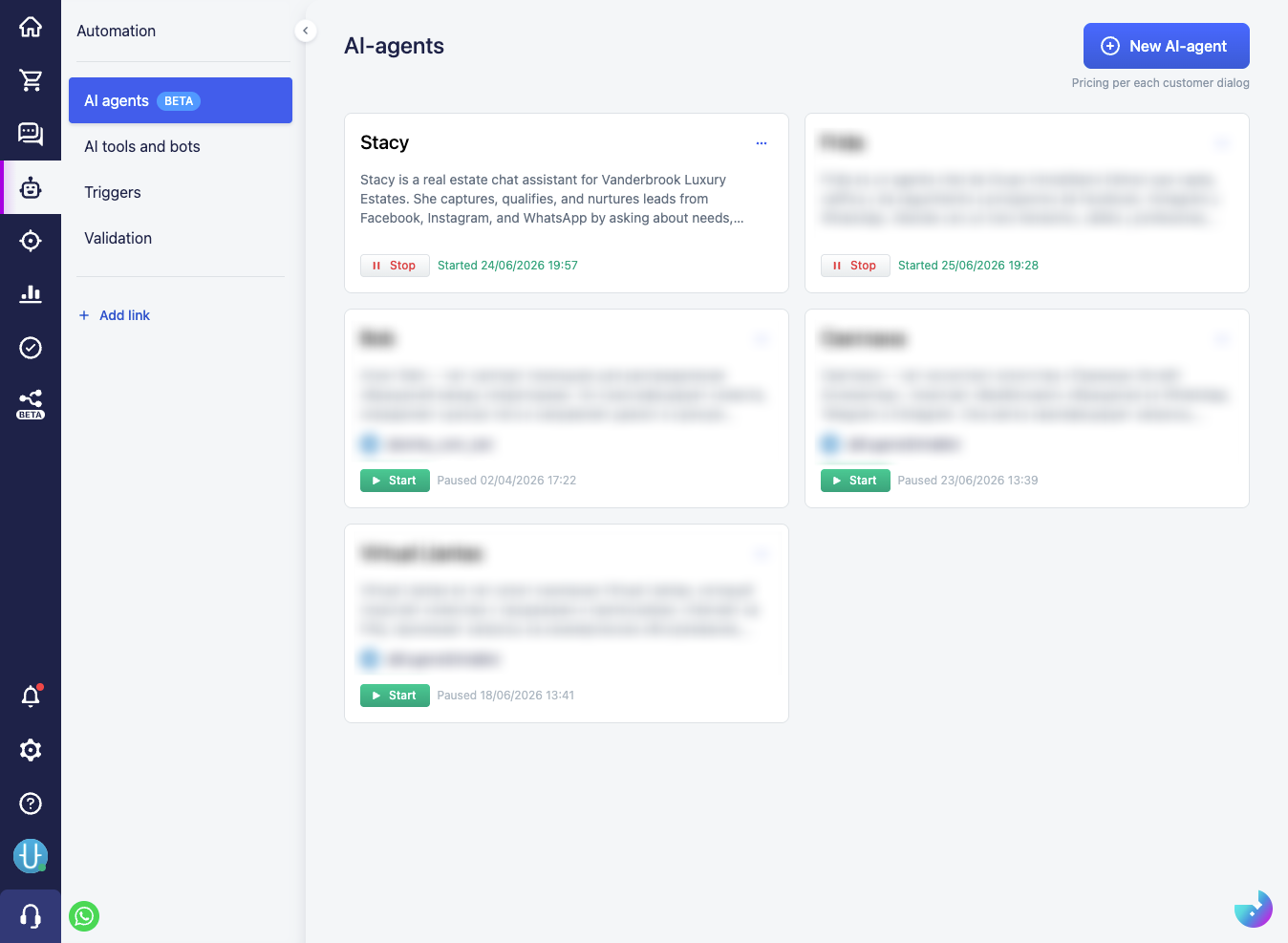
You can create a new agent in the "Automation" → "AI agents" section. Use the "New AI-agent" button in the top right corner.
The agent's core capabilities:
- access to the conversation with the client in the chat (from the moment the agent is enabled on the channel)
- replies to the client's messages if the dialog is assigned to the bot
- searching the knowledge base and answering based on it
- working with the system's product catalog (if the corresponding setting is enabled)
- reading client information saved in the system
- searching the client's orders by filters
- retrieving values from the system's reference books (for example, delivery and payment types)
- sending the client product and order cards
- calling custom scenario steps
- setting values of the signals available in the settings
The agent's specific capabilities are determined by the available scenario steps and the actions the user configures within them. Through scenario steps you can set up the collection and saving of client data, the creation and modification of orders, the assignment of tags, the distribution of dialogs among managers, and other actions in the system.
Areas of responsibility
- The client in the chat writes messages in free form, sends images, files, and voice messages and, in general, supplies the unstructured context for the agent's work.
- The system user configures agents to perform certain tasks in the chat: they define the instructions, design the scenario and the available actions in the system, and test the agent's behaviour. The user acts as a domain expert in the area the CRM system works with and defines the automation logic.
- The AI assistant has a good understanding of how agents work internally and helps the user configure, check, and debug their operation in the system.
- The agent receives the instructions, available scenario steps, and signals configured by the user. The agent's main task is to extract structured data from the context of the conversation with the client and compose a set of scenario steps with correctly filled-in parameters. The agent does not perform actions on its own; it only returns the prepared set of steps for subsequent execution.
- The system validates the data returned by the agent, executes the scenario steps together with the actions configured in them, and changes the system state.
This is the key security barrier: the client has no direct access to actions in the system, and the agent is confined to the bounds of the permitted scenario — it neither knows about nor controls the low-level execution of scenario steps. The system user defines in advance which actions can be performed, and when, based on the data obtained by the agent.
Main functional components
Event processing
Converts external events from chats into starting or stopping the agent, as well as into the execution of event steps in the scenario, which are designed to automatically trigger various actions.
Agent settings
Defines the agent's configuration: on which channels and at what times the agent should work, and which language and message format it should use to reply.
Prompt slots
Let you set general instructions for the agent in several specialised slots. The system automatically places each slot in the corresponding part of the agent's configuration, so that the instructions sit as close as possible to the context they relate to and are applied by the model more consistently.
The main prompt slot contains the key instructions for positioning the agent and defining its general rules of operation. In addition, you can separately set instructions for working and non-working hours, the response format, interaction with the product catalog, working with the knowledge base, and other aspects of the agent's behaviour.
Knowledge base
Contains documents saved and indexed in the system, which the agent can use to search for information and compose replies in the chat.
If the agent could not answer the client's question, it can automatically suggest adding new information to the knowledge base. After review and moderation by the system user, such a document is saved and becomes available to the agent during its further work.
The agent's work cycle
After it starts, the agent can run for several iterations, doing certain useful work in the system. The agent can stop by itself to obtain the necessary context, or it can be stopped automatically according to the configured scenario rules.
Work scenarios
Let you configure the logic of the agent's behaviour by executing a predefined sequence of steps and preparing the data associated with those steps.
Instead of a set of general instructions that the agent might ignore or forget, the scenario sets the structure for carrying out a specific task by breaking it down into individual steps. The agent calls these steps at contextually appropriate moments in the conversation, follows the scenario, and receives new instructions or tasks at each stage of execution. At the same time, the model has access only to the steps that are permitted in the current state of the scenario.
This approach makes it possible to create multi-step scenarios in which the sequence of actions, the predictability of the agent's behaviour, and the precise execution of certain commands matter.
Actions in the system
In essence, this is the set of all possible actions the agent can perform in the system by calling certain scenario steps. They include working with the CRM system (saving client information, managing the client's cart, creating orders, assigning dialog tags), working with MG chats (sending different types of messages, distributing and closing the dialog), as well as actions for managing the agent itself (starting or stopping the agent, giving it additional instructions to work with, or asking it to execute a specific scenario step).
Delayed step runs
Let you start the agent and individual scenario steps after a set time interval, taking into account the added schedules and the system's working hours.
Signal system
Performs background analysis of the conversation against defined criteria, extracts additional context, and, if necessary, can influence the work of the main agent.
Main workflow
In the most general terms, the agent's work goes through several stages:
- Something happens in the chat — for example, the client sends a message.
- The system determines which agent should handle it and starts that agent.
- The agent analyses the conversation and decides what to do next according to the scenario.
- The system performs the necessary actions — replies to the client, saves data, hands the dialog over to a manager — and waits for the next event.
The Chat Assistant bot module
The agent connects to the system as a bot integration module and works in the chat on its behalf.
The "AI agents" section is available only while the module is active: if you deactivate it, agent management becomes unavailable.